

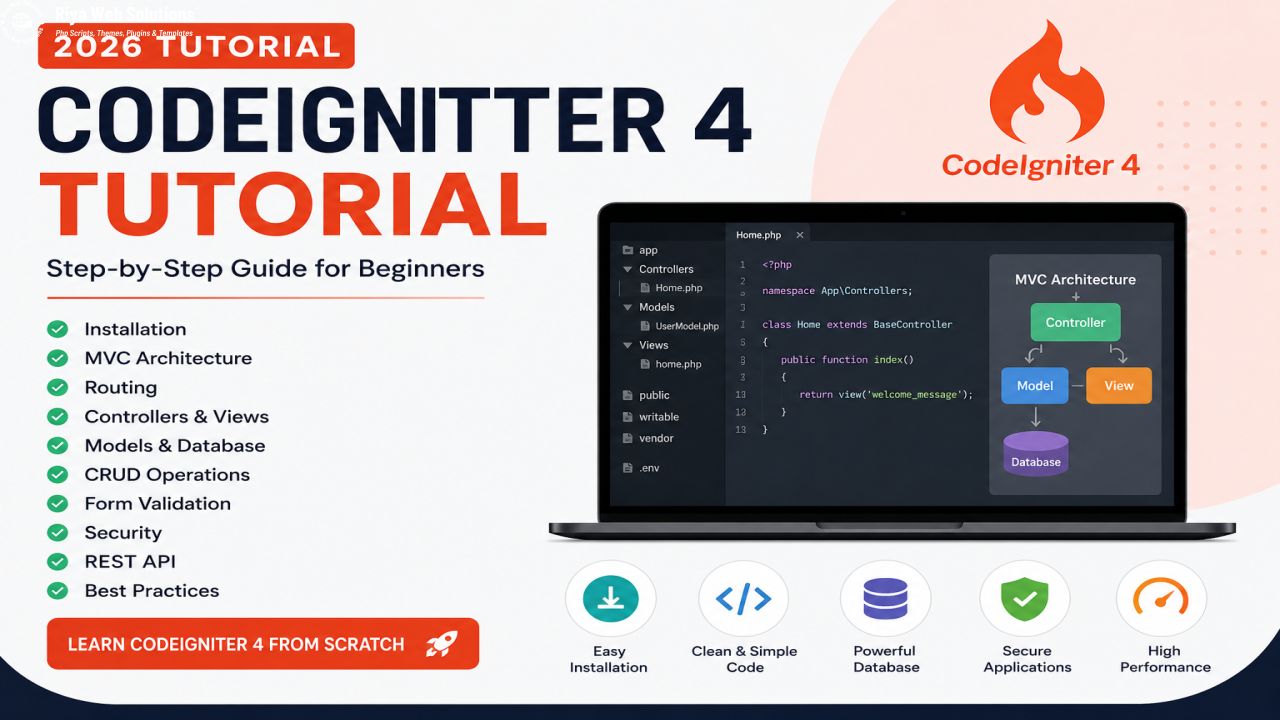

CodeIgniter 4 is one of the fastest and most lightweight PHP frameworks available today. Whether you're building a business website, CRM, ERP, eCommerce platform, or REST API, CodeIgniter 4 provides everything required to develop secure, scalable, and high-performance web applications.
In this complete beginner-friendly tutorial, you'll learn how to install CodeIgniter 4, understand MVC architecture, configure the database, create controllers, models, views, perform CRUD operations, validate forms, and follow best development practices.
Table of Contents
- What is CodeIgniter 4?
- Features
- System Requirements
- Installation
- MVC Architecture
- Folder Structure
- Routing
- Controllers
- Views
- Models
- Database Configuration
- CRUD Operations
- Validation
- Security Features
- REST API
- Best Practices
- FAQ
What is CodeIgniter 4?
CodeIgniter 4 is an open-source PHP framework that follows the MVC (Model-View-Controller) architecture. It helps developers write clean, reusable, organized code while keeping applications lightweight and fast.
Why Developers Love CodeIgniter 4
- Lightweight Framework
- Fast Performance
- MVC Architecture
- Composer Support
- REST API Ready
- Database Query Builder
- Powerful Validation
- Excellent Documentation
System Requirements
| Requirement | Version |
|---|---|
| PHP | 8.1 or Higher |
| Composer | Latest |
| Database | MySQL / MariaDB |
| Server | Apache / Nginx |
Installing CodeIgniter 4
Install the latest CodeIgniter project using Composer.
composer create-project codeigniter4/appstarter myprojectMove inside the project.
cd myprojectStart the development server.
php spark serveUnderstanding MVC Architecture
MVC stands for Model, View, and Controller.
Model
Handles database operations such as Insert, Update, Delete, and Select.
View
Displays HTML, CSS, and JavaScript to users.
Controller
Processes user requests and connects Models with Views.
Folder Structure
app/
public/
system/
vendor/
writable/
tests/
Routing Example
$routes->get('/', 'Home::index');

$routes->get('/about', 'Pages::about');
Creating a Controller
php spark make:controller Blogclass Blog extends BaseController
{
public function index()
{
return view('blog');
}
}Database Configuration
database.default.hostname = localhost
database.default.database = mydb
database.default.username = root
database.default.password =
database.default.DBDriver = MySQLi
CRUD Operations
CRUD stands for Create, Read, Update and Delete. These operations form the backbone of most dynamic applications such as blogs, eCommerce websites, CRM systems, and inventory software.
- Create Records
- Read Data
- Update Existing Data
- Delete Records
Security Features
Best Practices
- Always use Models for database operations.
- Never edit framework core files.
- Keep your application updated.
- Validate every user input.
- Use Composer for package management.
- Enable caching for better performance.
- Use Git for version control.
- Write reusable code.
Frequently Asked Questions
Is CodeIgniter 4 good for beginners?
Yes. It has a simple structure, lightweight architecture, and excellent documentation, making it an ideal framework for beginners.
Can I build an eCommerce website?
Absolutely. CodeIgniter 4 is suitable for eCommerce, CRM, ERP, school management systems, and custom web applications.
Does CodeIgniter support REST APIs?
Yes. CodeIgniter 4 provides built-in tools for creating secure and scalable RESTful APIs.
Conclusion
CodeIgniter 4 is one of the best PHP frameworks for building secure, lightweight, and scalable web applications. Its MVC architecture, routing system, validation, security features, and excellent performance make it an excellent choice for beginners and professionals alike. By mastering the concepts covered in this tutorial, you'll be well-equipped to create modern PHP applications efficiently.
Need Professional CodeIgniter Development?
Looking for a custom CRM, ERP, eCommerce website, or business application built with CodeIgniter 4? Our experienced developers can help you build fast, secure, and scalable solutions tailored to your business needs.
Contact Us Today
Comments ()